Safe to spend, daily
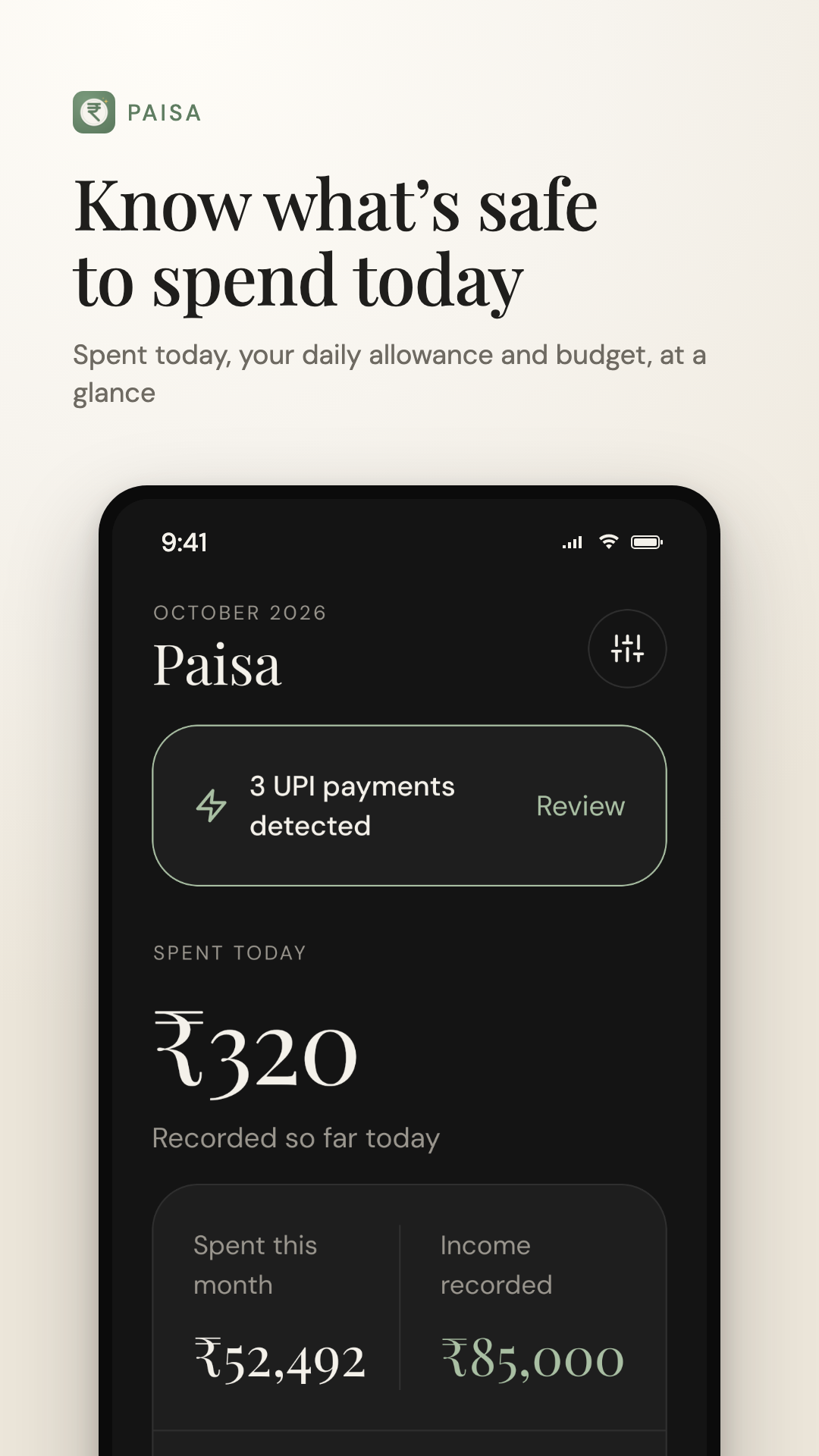
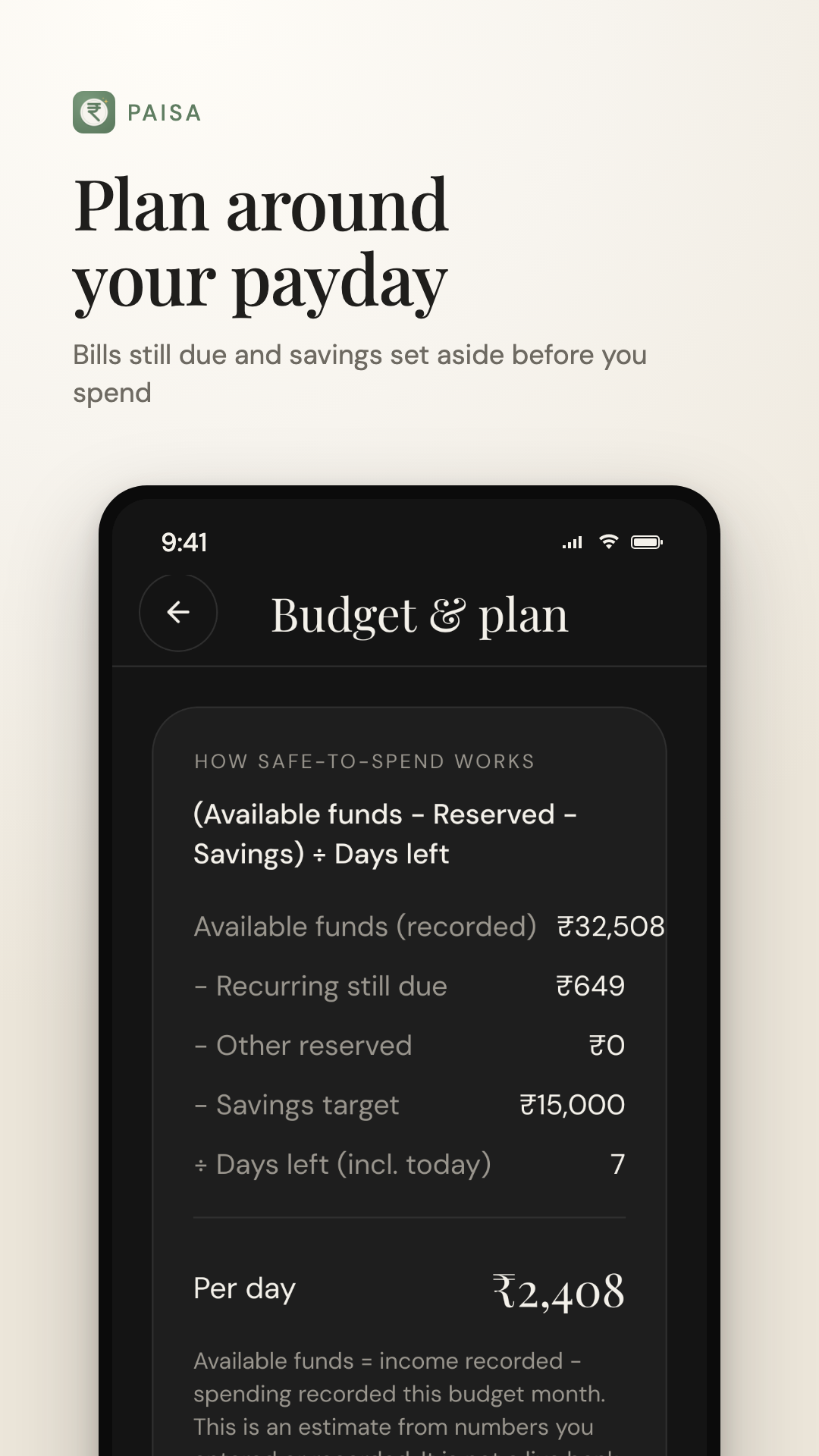
One number every morning: what you can spend today after bills and savings.
 Paisa
A private expense tracker for UPI. Paisa notices your payments, tells you what you can spend each day, and keeps everything on your phone.
Get it on Google PlayFree · Android · No account needed
Now on Google Play
Install Paisa, set your payday, and see what's safe to spend today. No sign-up.
Thank you to every beta tester who helped get Paisa here. Liked it? A review on Google Play really helps.
Made for real life
One number every morning: what you can spend today after bills and savings.
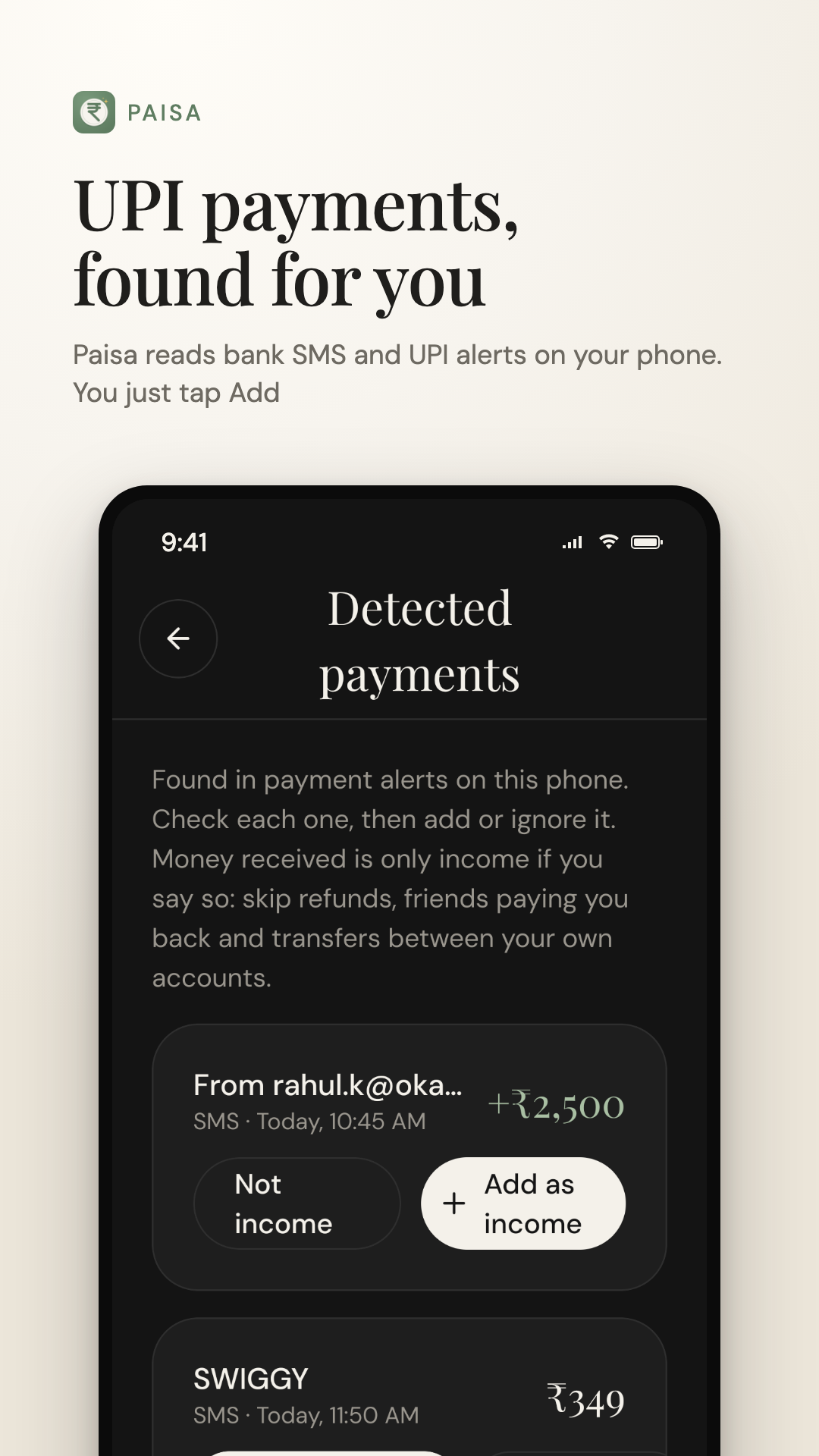
Optional. Paisa reads payment alerts from bank SMS and UPI apps on your phone, then you add them in one tap.
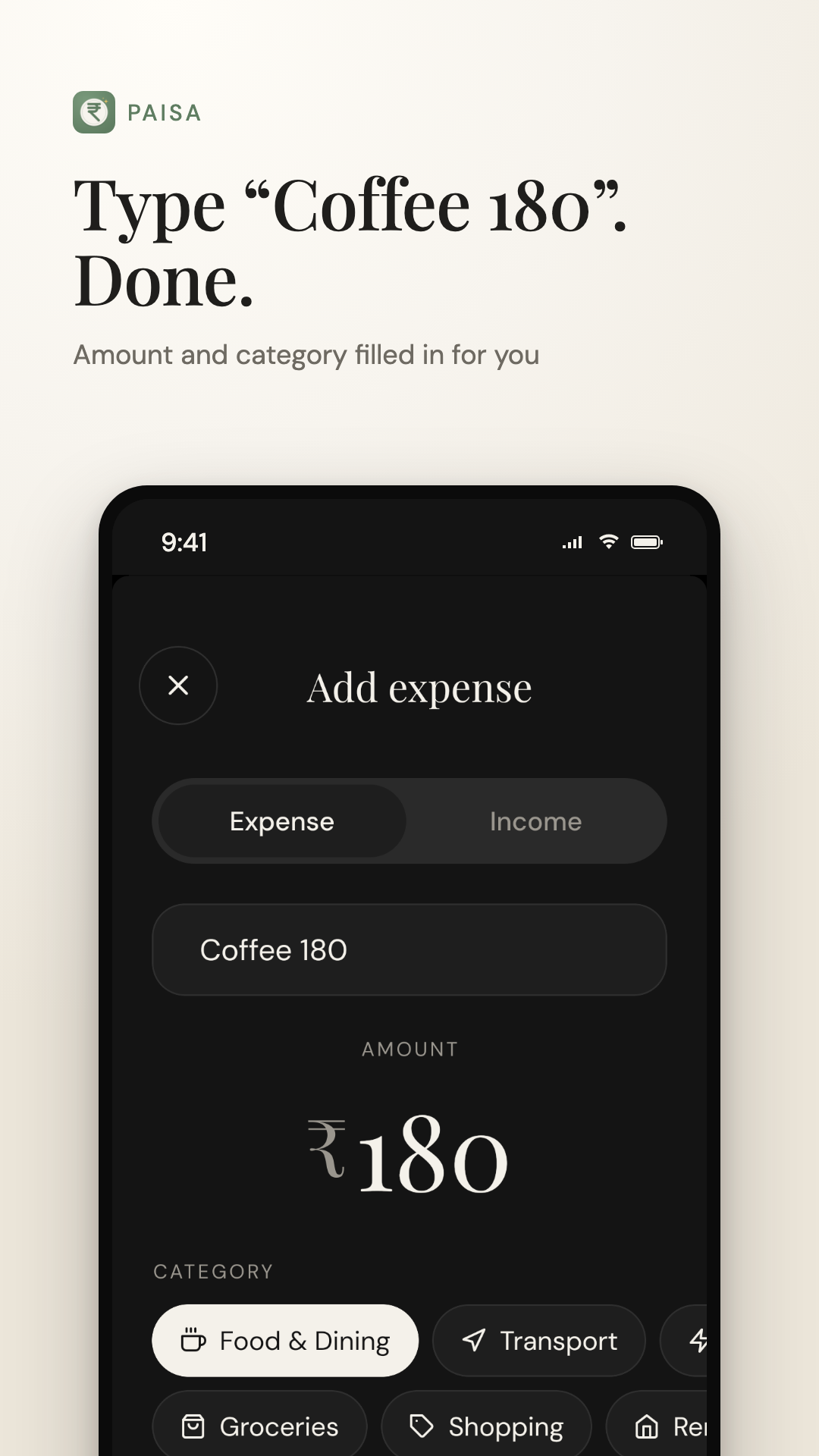
Quick entry fills in the amount and category for you.
Monthly and per-category limits, counted from the day you get paid.
Rent, EMIs, SIPs and subscriptions are added on time, with reminders before they're due.
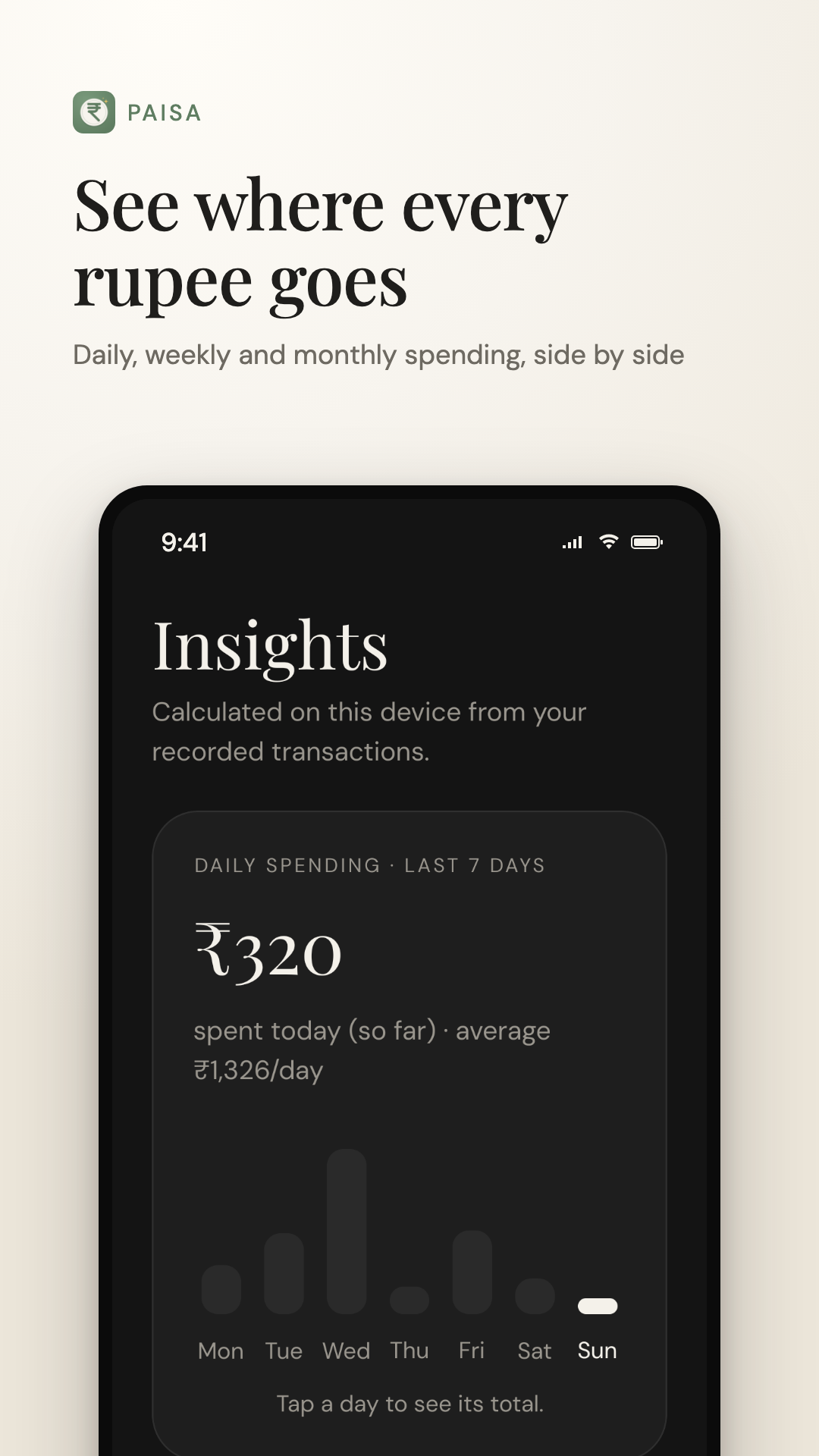
Daily, weekly and monthly spending, compared fairly.
See it in action
Private by design
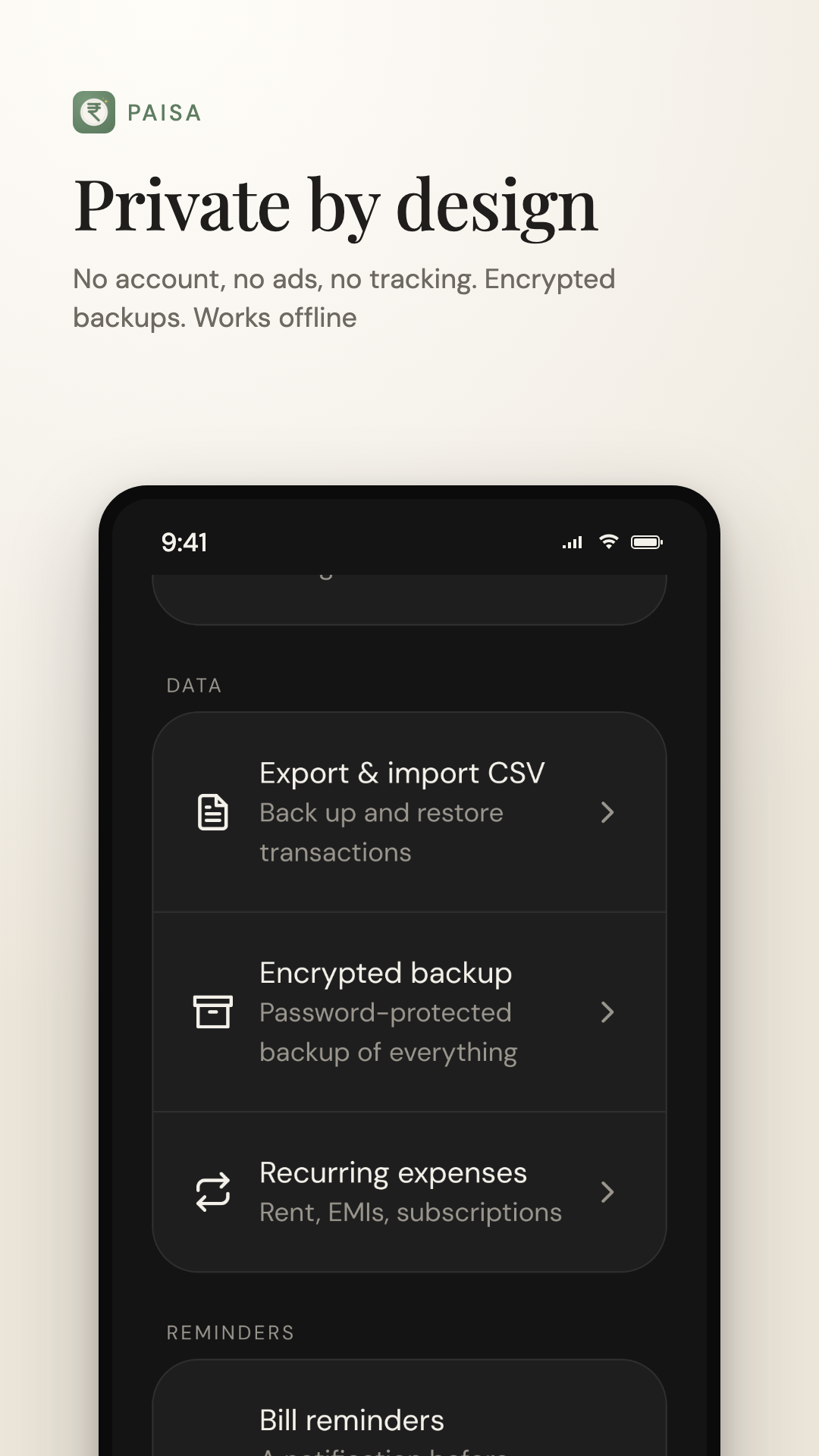
01No account or sign-up
02No ads, no tracking
03Works offline
04Encrypted backups with your password
Paisa never connects to your bank and never moves money. Payment detection is optional and reads alerts only on your device. Read the privacy policy
Questions, answered
Yes. Paisa is free, with no ads.
Android phones. Payment detection needs Android's Notification access, which you can turn off anytime.
No. It never connects to your bank. It only reads payment alerts that already arrive on your phone, if you turn that on.
Nothing to do. Your app updates from Google Play like any other, and your data stays on your phone.
Email jaiminviramgama152@gmail.com, or leave a review on Google Play.